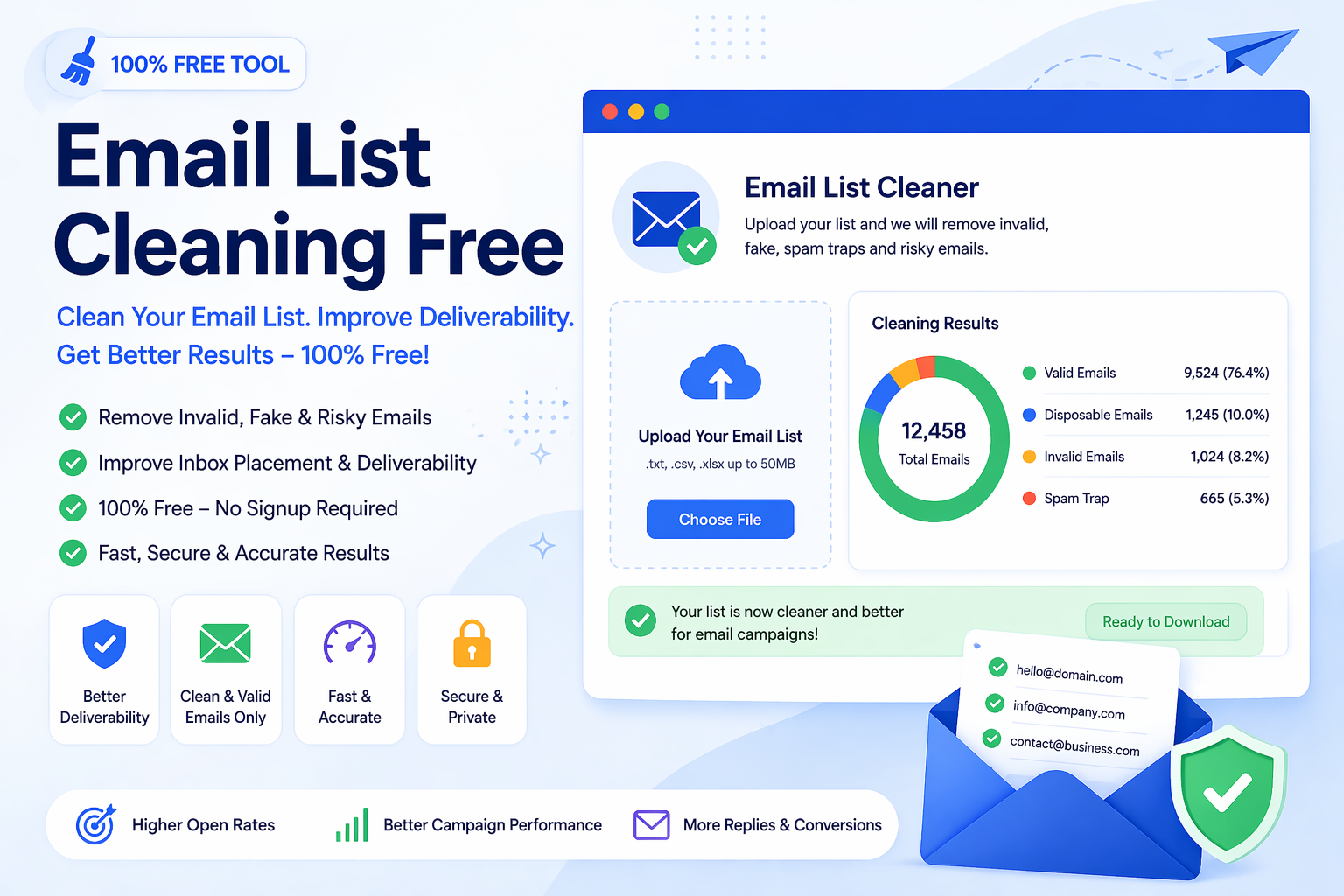
A messy email list can quietly damage your outreach results. Invalid addresses, fake emails, inactive contacts, disposable inboxes, role-based accounts, and low-quality entries can increase bounces and reduce the overall quality of your campaigns. This is why many marketers, agencies, recruiters, freelancers, and small businesses look for an email list cleaning free solution before sending emails.
Email list cleaning is not only about deleting bad contacts. It is about improving the quality of the data you already have. A cleaner list gives you a better chance of reaching real people, protecting your sender reputation, reducing wasted sends, and keeping your outreach workflow more organized.
What Does Email List Cleaning Mean?
Email list cleaning is the process of checking an email list and removing addresses that are invalid, risky, duplicated, poorly formatted, disposable, inactive, or unlikely to be useful. A good free email list cleaning tool helps you review your contacts before they are used in campaigns, CRM imports, newsletters, cold outreach, or lead generation workflows.
For example, your list may contain emails with missing symbols, incorrect domains, old company addresses, temporary inboxes, or test entries. These records may look harmless, but they can reduce list quality and create problems when you send campaigns at scale.
- Remove invalid or badly formatted email addresses
- Detect low-quality, temporary, or disposable emails
- Reduce hard bounces before sending campaigns
- Improve list quality for outreach and CRM use
- Protect sender reputation by avoiding poor contacts
Why Use an Email List Cleaning Free Tool?
A free email list cleaning tool is useful when you need a quick quality check without paying for expensive software at the start. Many small businesses, freelancers, and new marketers collect emails from forms, spreadsheets, public sources, signups, events, directories, and manual research. Over time, those lists can become messy.
Cleaning your list before sending helps you avoid obvious problems. It also gives you a clearer view of how many usable contacts you actually have. A list of 5,000 emails may look strong, but if many addresses are invalid or risky, the real value of that list may be much lower.
You can start by using the Email Validation & List Cleaner to scan your contacts, separate valid and invalid entries, and prepare a cleaner list before outreach.
Why Email List Quality Affects Deliverability
Deliverability depends on many factors, and list quality is one of the most important. If you send to too many invalid or inactive addresses, your bounce rate can increase. If your emails repeatedly go to poor-quality contacts, mailbox providers may treat future messages with more caution.
A clean list helps you send to better contacts. It does not guarantee inbox placement by itself, but it supports a healthier sending process. Clean data works together with good subject lines, relevant content, proper authentication, and responsible sending practices.
Common Problems Found in Email Lists
Email lists become messy for many reasons. People change jobs, domains expire, users mistype addresses, fake emails are submitted through forms, and old leads become inactive. Even if your list was clean when you collected it, it can lose quality over time.
- Invalid emails: Addresses with broken format or incorrect structure.
- Duplicate contacts: The same email appearing more than once in your list.
- Disposable emails: Temporary inboxes used for short-term access.
- Role-based emails: Addresses such as info@, support@, admin@, or sales@ that may not belong to one person.
- Old business emails: Contacts from people who changed jobs or companies.
- No MX domains: Domains that may not be configured to receive email.
- Fake entries: Test emails, placeholder addresses, or irrelevant records.
Benefits of Cleaning Email Lists Regularly
List hygiene is not something you do only once. Regular cleaning helps maintain better data quality over time. If you send newsletters, outreach emails, lead nurturing sequences, or sales campaigns, cleaning your list can help reduce wasted effort and improve campaign organization.
- Lower bounce rate and cleaner campaign reports
- Better inbox placement preparation over time
- Less money wasted on poor-quality contacts
- Stronger sender trust for future campaigns
- Cleaner CRM and outreach data
- More accurate campaign performance tracking
When Should You Clean Your Email List?
The best time to clean your list is before you send a campaign, import contacts into a CRM, launch a cold outreach sequence, or upload a new lead file. If you are using an old spreadsheet, it is even more important to check it first.
You should also clean your list when you notice high bounce rates, low engagement, old leads, duplicate contacts, or records collected from multiple sources. If a list has not been checked for months, it is safer to clean it before use.
- Before sending a newsletter or outreach campaign
- Before importing contacts into a CRM
- After collecting leads from forms or events
- After merging multiple spreadsheets
- Before using old or inactive contact lists
How to Clean an Email List Free
Cleaning an email list does not have to be complicated. Start by uploading or checking your contacts with an email validator. Remove addresses that are clearly invalid, badly formatted, duplicated, or risky. Then review the remaining list manually to make sure it matches your campaign goal.
- Collect your contacts into a clean CSV file.
- Remove obvious test entries, blank rows, and duplicates.
- Use the Email Validation & List Cleaner to check your list.
- Review invalid, blocked, or risky entries.
- Download or copy the cleaned list.
- Use the cleaned list only for relevant and responsible outreach.
Email List Cleaner Online vs Manual Cleaning
Manual cleaning can work for a very small list. You can scan a spreadsheet yourself and remove obvious mistakes. But when a list contains hundreds or thousands of emails, manual checking becomes slow and easy to do incorrectly.
An email list cleaner online makes the process faster by checking many contacts at once. It helps separate valid and invalid entries more efficiently, so you can spend more time reviewing strategy, message quality, and audience fit.
Who Should Use This Tool?
Anyone who sends emails in bulk can benefit from email list cleaning. Even small lists can become outdated if they are not reviewed. A free email list cleaning tool is especially helpful for people who collect contacts from different sources and need a simple way to improve list quality.
- Marketers can prepare cleaner newsletter and campaign lists.
- Sales teams can reduce wasted outreach to invalid contacts.
- Recruiters can clean candidate and company contact spreadsheets.
- Agencies can improve client lead files before campaign work.
- Freelancers can organize prospecting lists before pitching services.
- Small businesses can keep customer and lead data more reliable.
Email List Cleaning and Sender Reputation
Sender reputation is affected by how recipients and mailbox providers respond to your email activity. If you repeatedly send to invalid or poor-quality contacts, your email performance can suffer. Clean lists help reduce unnecessary risk by removing contacts that are less likely to produce useful engagement.
A better list does not mean you should send more aggressively. It means you should send more carefully. Combine list cleaning with relevant messaging, proper targeting, clear opt-out options, and responsible sending frequency.
What an Email List Cleaner Cannot Do
An email list cleaner is useful, but it cannot solve every email marketing problem. It can help identify obvious issues, but it cannot guarantee that every valid email will open, reply, or convert. It also cannot replace good targeting or strong message quality.
- It cannot guarantee inbox placement.
- It cannot force recipients to open or respond.
- It cannot fix irrelevant offers or weak messaging.
- It cannot replace consent and compliance responsibilities.
- It should be used as one part of a broader email workflow.
Best Workflow for Cleaner Campaign Preparation
The strongest workflow combines discovery, cleaning, spam review, and responsible sending. This helps you move from raw contact collection to a more prepared campaign list.
- Collect contacts from trusted sources or use the Email Extractor by Domain for public website emails.
- Organize your list into a CSV file.
- Use the Email Validation & List Cleaner to remove invalid emails.
- Check your message copy with the Spam Email Checker.
- Use a relevant subject line and send only to contacts who match your purpose.
- Review results and clean inactive contacts again before future campaigns.
Common Mistakes to Avoid
Many users clean a list once and then assume it will stay useful forever. In reality, email data changes. People leave jobs, domains change, inboxes become inactive, and old contacts lose relevance. Avoid these common mistakes if you want better long-term results.
- Sending to old lists without checking them first
- Keeping duplicate emails in campaign files
- Ignoring invalid or risky addresses
- Mixing unrelated audiences into one campaign
- Assuming a large list is better than a clean list
- Skipping message quality and spam wording review
Final Thoughts
Choosing an email list cleaning free tool is a practical first step toward better email performance. Clean data supports stronger deliverability preparation, better list quality, safer outreach, and more accurate campaign reporting.
The best approach is simple: clean your list before you send, remove invalid emails, review risky contacts, and keep your outreach relevant. If you want more reliable campaigns, start by checking your list before it reaches your sending tool.