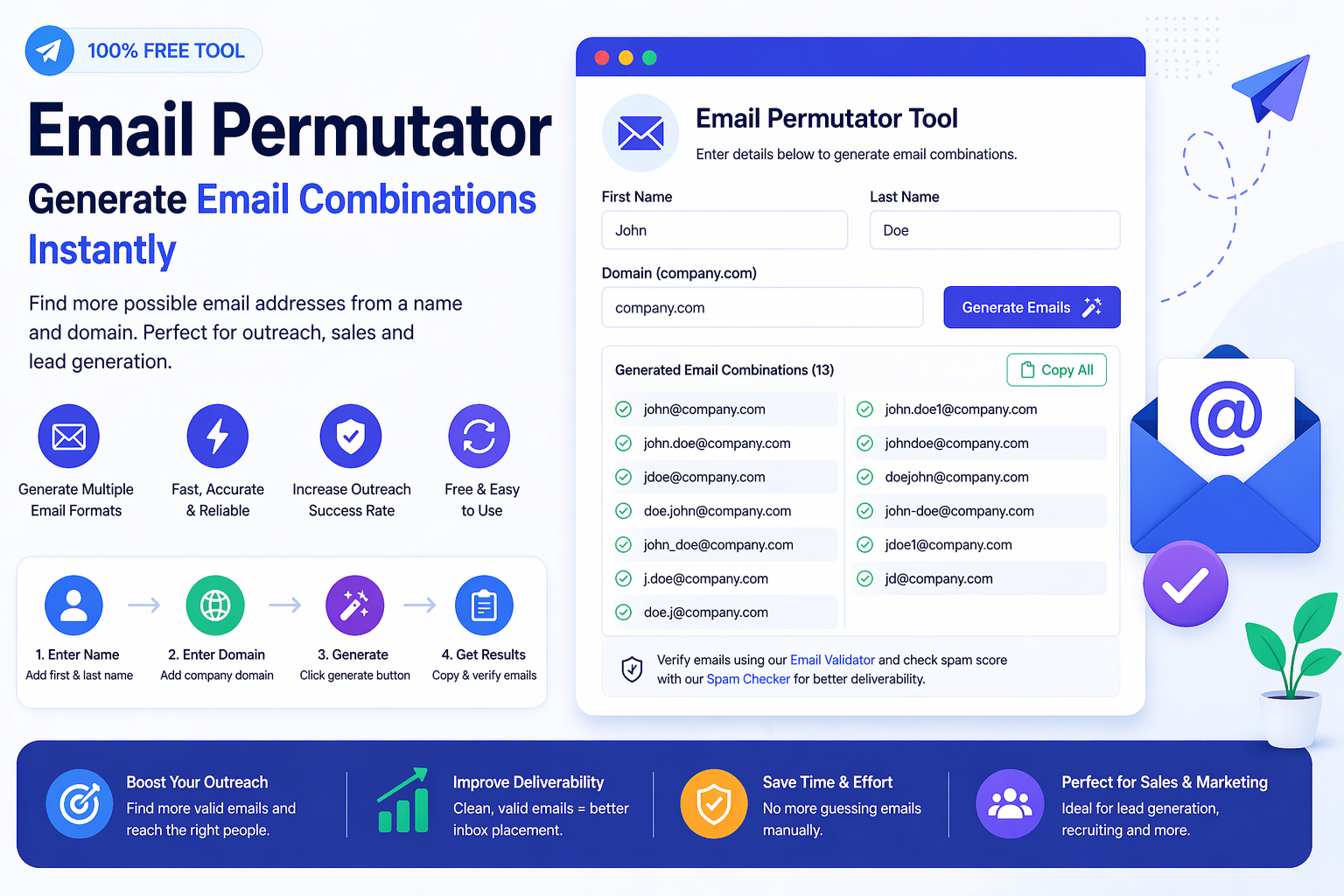
An Email Permutator Tool helps you create possible professional email combinations from a person’s first name, last name, and company domain. If you know the person you want to contact and you know the business website, a permutator can generate common email patterns in seconds. This makes it useful for outreach, sales prospecting, recruitment, partnership research, PR, and business development.
Instead of manually testing formats one by one, the tool creates structured combinations such as firstname@domain.com, firstname.lastname@domain.com, firstinitiallastname@domain.com, lastname.firstname@domain.com, and other common professional formats. It gives you a cleaner starting point before you validate or review the final contact list.
What Is an Email Permutator Tool?
An email permutator tool is an online tool that generates possible email address patterns using a person’s name and a company domain. Many businesses use predictable email naming structures for employees, teams, and departments. A permutator uses those common structures to create likely combinations automatically.
For example, if the name is John Smith and the company domain is example.com, the tool may create addresses such as john@example.com, john.smith@example.com, jsmith@example.com, johns@example.com, smith.john@example.com, and other variations. These are not guaranteed to exist, but they are useful possibilities for research and verification.
Why Email Permutation Matters for Outreach
Good outreach starts with accurate contact research. If you send a message to the wrong address, your time is wasted and your workflow becomes less efficient. Email permutation helps you organize possible formats quickly, especially when a direct email address is not publicly listed on a website.
This is useful because many companies do not show every employee’s email on their website. They may only show a general contact form or a support inbox. If you already know the name of the person and the company domain, an email permutator helps you create possible business email formats for the next step of research.
How the Email Permutator Tool Works
The process is simple. You enter a first name, last name, and domain. The tool then combines those inputs using common professional email patterns. These patterns may include full names, initials, dot-separated formats, reversed name formats, and shortened variations.
- Enter the person’s first name.
- Enter the person’s last name if available.
- Add the company domain, such as company.com.
- Generate possible professional email combinations.
- Validate or review the generated emails before using them.
The goal is not random guessing. The goal is structured pattern generation. That is what makes the tool useful for prospecting and contact discovery.
Common Email Patterns Generated by Email Permutators
Businesses do not all use the same email format, but many follow common naming conventions. An email permutator focuses on these popular formats so you can quickly explore possible options.
- firstname@domain.com
- lastname@domain.com
- firstname.lastname@domain.com
- firstname_lastname@domain.com
- firstnamelastname@domain.com
- firstinitiallastname@domain.com
- firstname.lastinitial@domain.com
- lastname.firstname@domain.com
- lastnamefirstinitial@domain.com
- firstinitial.lastname@domain.com
These variations are helpful when you want to identify possible professional email addresses without writing every combination manually.
Email Permutator vs Email Finder
An email permutator and an email finder are related, but they are not the same. A permutator generates possible combinations based on a name and domain. An email finder may search for public contact details or generate common inboxes from a domain.
If you know a person’s name and company domain, use an email permutator. If you want general company inboxes like info@, sales@, support@, or contact@, use a domain email finder. If you want emails that are publicly visible on a website, use a domain email extractor.
Who Should Use an Email Permutator?
This tool is useful for anyone who needs a faster way to research possible professional email formats. It can support different workflows across sales, marketing, recruitment, freelancing, business research, and agency outreach.
- Sales teams can generate possible decision-maker emails for prospecting.
- Recruiters can research likely professional addresses for hiring conversations.
- Agencies can prepare outreach lists for SEO, web design, content, or marketing services.
- Freelancers can find possible client contact formats before sending proposals.
- Founders can reach potential partners, investors, vendors, or collaborators.
- Researchers can organize contact discovery in a more structured way.
Benefits of Using an Email Combination Generator
An email combination generator saves time by turning manual guesswork into a repeatable process. Instead of typing dozens of possible formats yourself, you can generate them instantly and focus on reviewing the most relevant options.
- Creates multiple professional email formats quickly
- Reduces repetitive manual guessing
- Improves organization during contact research
- Supports prospecting, recruitment, and business outreach
- Works as a helpful first step before verification
- Helps identify possible naming patterns used by a company
Why Verification Matters After Permutation
Generating possible email combinations is only the first step. Not every generated email will exist. Some companies use one standard pattern, while others use exceptions for teams, departments, or individuals. A generated list should always be reviewed and validated before outreach.
Verification helps you remove invalid or weak addresses from your list. It also reduces wasted effort and supports better deliverability preparation. The permutator helps with discovery, while validation helps with accuracy.
How to Validate Generated Email Combinations
After using an email permutator, organize the generated emails and check them before you use them. This avoids sending to obvious invalid formats and helps you work with cleaner data.
- Generate combinations from first name, last name, and domain.
- Remove any formats that clearly do not fit your goal.
- Use the Email Validation & List Cleaner to check list quality.
- Review risky or suspicious entries before outreach.
- Use only relevant contacts for responsible communication.
Email Permutator vs Domain Email Extractor
A domain email extractor finds email addresses that are already visible on public website pages. An email permutator creates possible email formats when you know a person’s name and domain but do not know the exact address.
Both tools are useful, but they support different parts of the workflow. You can first use the Email Extractor by Domain to see which public emails are already listed. Then use the permutator to generate likely personal email formats when needed.
How to Use Email Permutation Responsibly
Responsible outreach matters. A generated email address should not be used for spam or irrelevant bulk messaging. Use email permutation only for legitimate research, relevant business communication, recruitment, partnerships, or professional outreach.
- Use generated emails only for relevant communication.
- Avoid sending unsolicited bulk spam.
- Validate and review emails before outreach.
- Respect opt-out requests and communication laws.
- Keep your message clear, honest, and useful.
Common Mistakes to Avoid
Many users generate a large number of possible email addresses but forget to filter or validate them. A smaller, cleaner, more relevant list is usually better than a large list of unverified guesses.
- Do not assume every generated email exists.
- Do not send to every possible combination without checking quality.
- Do not ignore company naming patterns found on public pages.
- Do not use misleading subject lines or irrelevant messages.
- Do not skip validation before outreach.
Best Workflow for Better Email Prospecting
The strongest workflow combines public email discovery, email permutation, validation, and message review. This helps you move from raw research to a cleaner outreach process.
- Use the Email Extractor by Domain to find public business emails from the company website.
- Use the Email Permutator Tool to generate possible personal email formats.
- Use the Email Validation & List Cleaner to clean and validate the list.
- Use the Spam Email Checker to review risky words or suspicious message content.
- Prepare a short, relevant, and respectful outreach message.
When an Email Permutator Is Most Useful
An email permutator is most useful when you already have partial information. If you know only the company name but not the person’s name, a domain finder or extractor may be better. If you know the person’s name and the company domain, a permutator becomes much more powerful.
- You know the person’s first and last name.
- You know the company website or domain.
- The direct email address is not shown publicly.
- You want to create possible professional formats quickly.
- You plan to validate the generated results before outreach.
Final Thoughts
An Email Permutator Tool is a smart and practical resource for generating likely professional email combinations from a person’s name and company domain. It saves time, improves organization, and gives you a structured starting point for outreach, recruitment, sales prospecting, and business research.
The best approach is simple: generate possible email patterns, review the results, validate the list, and use the contacts responsibly. When combined with domain extraction, email validation, and spam checking, an email permutator becomes part of a smarter and more complete email workflow.