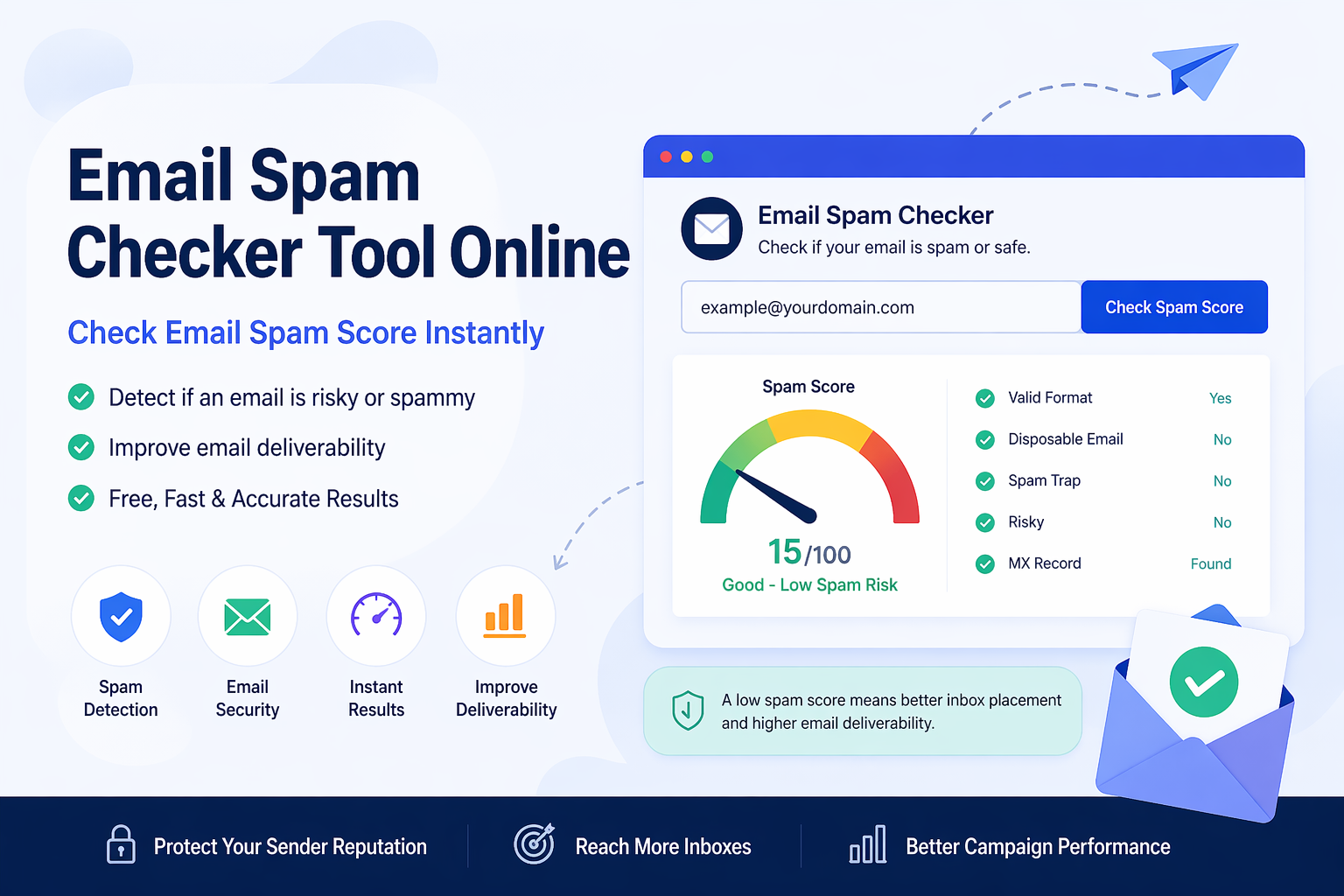
An Email Spam Checker Tool Online helps you review suspicious email content or risky email signals before you trust a message, reply to it, or use the address in your outreach workflow. Spam-related problems can waste time, reduce campaign quality, hurt deliverability preparation, and create security concerns for personal users, marketers, agencies, recruiters, and businesses.
Every inbox receives questionable emails from time to time. Some are harmless marketing messages, while others may include phishing attempts, fake sender identities, aggressive promotional wording, suspicious links, or low-quality addresses. A spam email checker gives you a faster way to review warning signs instead of relying only on guesswork.
What Is an Email Spam Checker?
A spam email checker is an online tool that reviews email content, sender details, or suspicious patterns to help identify possible spam risks. Depending on the tool, it may check risky words, unusual formatting, suspicious phrases, low-trust signals, or other signs that can make an email look less reliable.
The goal is not to replace human judgment. The goal is to make review easier. If an email looks unusual, a spam checker can help you slow down and inspect it more carefully before taking action.
- Check suspicious email content before replying or clicking
- Review risky or low-trust wording in outreach messages
- Spot possible spam-style phrases before campaigns
- Improve email quality and list hygiene workflows
- Support safer inbox and outreach decisions
Why Use an Email Spam Checker Tool Online?
Many users search for an online spam email check because manual review can be slow and inconsistent. One person may ignore a risky phrase while another may immediately notice it. A tool creates a more structured first check and helps you review the message more consistently.
This is useful in two main situations. First, when you receive a suspicious email and want to review it before trusting it. Second, when you are writing outreach or marketing emails and want to reduce spam-like wording before sending.
Common Signs of a Suspicious Email
Suspicious emails often use pressure, confusion, urgency, or unrealistic promises. They may look professional at first glance, but their wording and structure can reveal warning signs. A phishing email checker or spam checker can help you pay attention to those signals.
- Urgent phrases asking you to act immediately
- Requests for passwords, codes, payments, or account access
- Unusual sender names or mismatched email addresses
- Promotional phrases such as “buy now,” “limited offer,” or “claim now” used too aggressively
- Unexpected attachments or links from unknown senders
- Bad formatting, strange grammar, or inconsistent branding
- Messages that create fear, pressure, or unrealistic rewards
Email Spam Checker for Outreach Content
Spam checking is not only for incoming messages. It is also useful when preparing your own outreach email. If your subject line or body text contains too many spam-trigger phrases, the message may look low quality or overly promotional.
Before sending a campaign, paste your message into the Spam Email Checker and review the highlighted terms. You can then rewrite aggressive phrases into clearer, more natural wording. This helps your email sound more professional and less spam-like.
Spam Checker vs Email Validator
A spam checker and an email validator solve different problems. A spam checker focuses on risky content, suspicious wording, or spam-style signals. An email validator checks whether email addresses in a list are formatted correctly and may be able to receive mail.
For better results, use both tools together. First validate your list so you are not sending to invalid contacts. Then check your email content so your message does not look overly promotional or risky.
Spam Checker vs Email Header Analyzer
A spam checker reviews message quality and suspicious content signals. An Email Header Analyzer reviews technical source details such as routing, return path, message ID, and authentication results. These tools work well together when you are investigating a suspicious email.
For example, if a message looks suspicious, you can first check the wording with a spam checker. Then you can inspect the full email header to see whether the sender source and authentication details look consistent.
How to Check a Suspicious Email Address or Message
If you receive a questionable email, do not click links immediately. Take a few simple review steps first. A fast check can help you avoid unnecessary risk.
- Look at the sender name and email address carefully.
- Check whether the message uses urgency, fear, or unrealistic promises.
- Paste the content into the Email Spam Checker Tool Online.
- Review risky phrases or suspicious wording.
- Use the Email Header Analyzer if you need deeper source details.
- Verify important requests through an official website or trusted contact method.
Why Spam Checking Helps With Deliverability
Deliverability is influenced by many factors, including sender reputation, list quality, authentication, engagement, and message content. A spam checker cannot guarantee inbox placement, but it can help you remove obvious wording that may make your email look low quality.
If you are sending outreach, your message should be clear, relevant, and respectful. Reducing spam-style language is one step toward better communication. It also helps your email sound more human and trustworthy.
Who Should Use an Email Risk Checker?
An email risk checker is useful for anyone who deals with email regularly. This includes people who receive suspicious messages and professionals who send outreach campaigns.
- Marketers can check campaign copy before sending.
- Sales teams can review cold outreach messages for spam-like wording.
- Recruiters can inspect suspicious replies or clean candidate communication workflows.
- Freelancers can improve pitch emails before contacting potential clients.
- Businesses can review suspicious vendor, invoice, or account-related emails.
- Personal users can check questionable messages before clicking links or replying.
Best Workflow for Cleaner Email Lists
A strong workflow usually starts with collecting public contact data, checking risky entries, cleaning invalid contacts, and reviewing the final message before sending. This helps reduce wasted outreach and keeps your database more organized.
- Find public contacts using the Email Extractor by Domain.
- Clean invalid or weak contacts using the Email Validation & List Cleaner.
- Check suspicious wording with the Spam Email Checker.
- Use the Email Header Analyzer when you need source and routing details.
- Send only relevant, respectful, and useful messages.
Common Mistakes to Avoid
Many users only check emails after something goes wrong. A better approach is to review risk before clicking, replying, sending, or importing contacts into your workflow.
- Do not trust a message only because the sender name looks familiar.
- Do not click urgent links without checking the email carefully.
- Do not send campaigns without reviewing spam-style wording.
- Do not use old or messy lists without validation.
- Do not assume every “free,” “urgent,” or “limited offer” phrase is safe for outreach copy.
- Do not ignore suspicious attachments or mismatched sender domains.
What an Email Spam Checker Cannot Do
A spam checker is useful, but it is not a complete security system. It can highlight possible risks, but it cannot guarantee that every email is safe or unsafe. You should still use judgment and verify important requests through trusted sources.
- It cannot guarantee that a link or attachment is safe.
- It cannot prove the true identity of a sender by itself.
- It cannot replace professional security software in high-risk environments.
- It cannot fix poor targeting or irrelevant outreach offers.
- It should be used with email validation, header analysis, and careful review.
Practical Example of Spam Review
Imagine you receive an email that says your account will be closed unless you click a link immediately. The sender name looks familiar, but the wording feels aggressive and urgent. Before clicking anything, you paste the message into a spam checker. It highlights several risky phrases. Then you inspect the email header and notice the sender source looks unrelated. At that point, the safer choice is to avoid the link and visit the official website directly.
The same idea applies to outreach. If your own campaign message is full of phrases like “act now,” “guaranteed,” or “limited offer,” rewriting it in a more natural way can make your email sound more trustworthy.
Final Thoughts
Using an Email Spam Checker Tool Online is a practical way to review suspicious messages, improve outreach content, and support better email quality. It helps you catch obvious warning signs before you reply, click, send, or add contacts to your list.
The best approach is simple: check suspicious content, validate your email list, inspect headers when needed, and use careful judgment. When combined with extraction, validation, and header analysis tools, a spam checker becomes part of a safer and more organized email workflow.