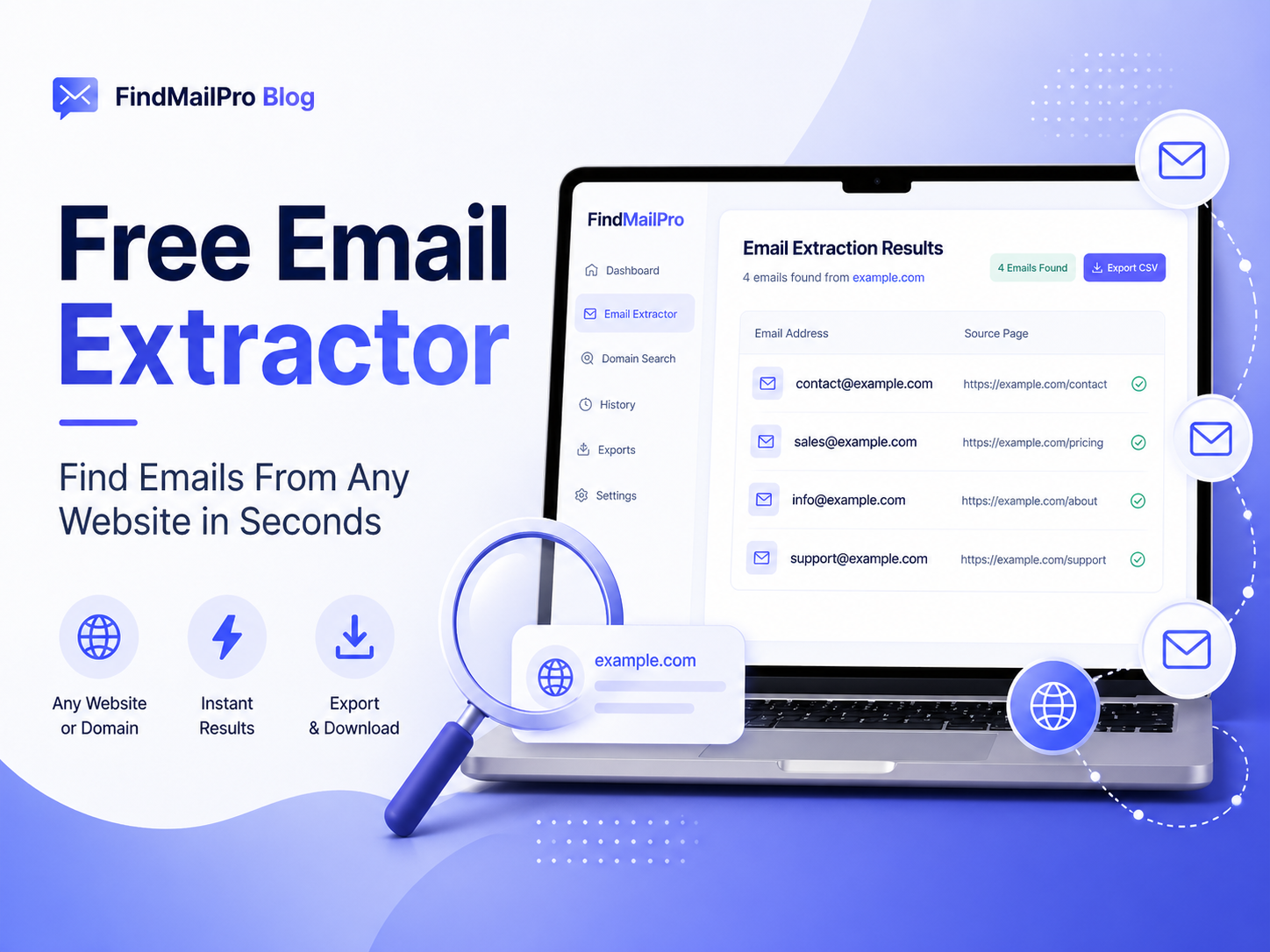
Finding the right business email address can take more time than people expect. A company may publish contact details on its homepage, footer, contact page, about page, careers page, support section, or even inside older blog posts. If you check each page manually, the process quickly becomes slow and repetitive. A Free Email Extractor helps make this work easier by scanning public website content and collecting visible email addresses in one place.
This type of tool is useful for outreach, lead research, recruitment, partnership research, PR work, supplier communication, and general business contact discovery. Instead of guessing where a company has placed its email address, you can use a free email extractor as a faster starting point and then review the results manually before using them.
What Is a Free Email Extractor?
A free email extractor is a tool that searches public website pages for email addresses connected with a specific domain or website. For example, if a website displays addresses like contact@company.com, sales@company.com, support@company.com, hello@company.com, or careers@company.com, the extractor can identify those visible emails and show them in a simple list.
The important point is that a free email extractor works with public information. It does not open private inboxes, access hidden databases, bypass logins, or reveal private contact details. Its purpose is to save time by helping users collect email addresses that are already visible on website pages.
Why Website Email Extraction Matters
Most business communication starts with a reliable contact point. If you are reaching out to a company, you need to know whether the best address is for sales, support, partnerships, hiring, billing, or general inquiries. A free email extractor helps you see what contact options are publicly available before you decide how to approach the business.
This matters because a wrong or random email address can waste time. A message sent to the wrong department may be ignored or delayed. By first collecting the public addresses available on the website, you can choose a more relevant email and make your outreach more organized.
Who Can Use a Free Email Extractor?
Different users can benefit from a free email extractor in different ways. It is not only for sales teams. It can also help freelancers, agencies, recruiters, researchers, virtual assistants, founders, and marketers who need to collect public contact details efficiently.
- Marketers can find public contact emails for campaign research and partnership outreach.
- Freelancers can discover potential client contact points before sending a pitch.
- Recruiters can identify career, HR, or general company addresses when researching employers.
- Agencies can build cleaner prospecting workflows for SEO, web design, content, or lead generation services.
- Researchers can organize public business contact information without manually searching every page.
How the Free Email Extractor Tool Works
The process is simple. You enter a website or domain, and the tool scans public pages where email addresses are commonly displayed. It then extracts email patterns found in the page content and shows them in a readable format. This gives you a quick overview of the emails that may be useful for your research.
- Enter the domain or website URL you want to check.
- Run the extractor so it can scan public website content.
- Review the email addresses found on visible pages.
- Remove irrelevant addresses that do not match your purpose.
- Validate the remaining emails before using them in outreach.
A good workflow does not stop after extraction. Extracted emails should be reviewed, cleaned, and used responsibly. This keeps your list more useful and helps avoid poor-quality outreach.
What Types of Emails Can Be Found?
Websites can publish many different types of email addresses. Some are general inboxes, while others are related to specific departments. A free email extractor can help you identify these public addresses when they appear in website content.
- General contact emails such as info@domain.com or hello@domain.com
- Sales-related emails such as sales@domain.com
- Support emails such as support@domain.com or help@domain.com
- Hiring emails such as careers@domain.com or jobs@domain.com
- Billing or finance emails such as billing@domain.com or accounts@domain.com
- Team or author emails listed on public profile pages
Free Email Extractor vs Domain Email Finder
These two tools sound similar, but they are not exactly the same. A free email extractor looks for email addresses that are actually visible on public website pages. A domain email finder usually generates common email patterns based on a domain, such as info@domain.com, sales@domain.com, or support@domain.com.
Both tools are useful, but they serve different purposes. If you want to discover emails that are already published on a website, use an extractor. If you want to create possible common inbox patterns for a domain, use a domain email finder. For stronger results, you can use both tools together and then validate the final list.
Benefits of Using a Free Email Extractor
The biggest benefit is time saving. Instead of opening several pages and manually copying each email address, you can let the tool collect visible emails first. This gives you a faster starting point and helps keep your work organized.
- Save time compared with manual website searching
- Collect visible public emails from website pages
- Organize contact discovery in one place
- Support outreach, lead generation, recruitment, and research
- Use extracted emails as a starting point before validation
Another benefit is consistency. If you research many websites, manual searching can become uneven. Some pages may be missed. Some emails may be copied incorrectly. An extractor helps reduce that repetitive manual work and gives you a cleaner process.
Limitations You Should Understand
A free email extractor is useful, but it is not magic. It can only collect email addresses that are visible in public page content. If a company uses only contact forms, hides emails inside images, protects pages with login access, or does not publish emails at all, the tool may not find anything.
- It cannot access private email accounts or hidden databases.
- It cannot guarantee every extracted email is still active.
- It may not detect emails shown only inside images or scripts.
- It may return general inboxes that are not ideal for every campaign.
- It should be combined with validation before outreach.
Understanding these limits helps you use the tool properly. The goal is not to replace human review. The goal is to reduce manual searching and make public email discovery faster.
Why Email Validation Should Come After Extraction
After extracting emails from a website, the next step is validation. Some emails may be outdated, misspelled, inactive, or not suitable for your purpose. Validation helps you clean the list and reduce unnecessary sending risks.
A clean list is better than a large unverified list. If you plan to use emails for outreach, you should remove poor-quality addresses, check formatting, review domains, and avoid sending to addresses that look risky or irrelevant.
You can use the Email Validation & List Cleaner to clean extracted emails and prepare a better contact list before using it in a campaign or CRM.
How to Use Extracted Emails Responsibly
Responsible use matters. Just because an email address is public does not mean every message is appropriate. You should make sure your outreach is relevant, respectful, and compliant with the rules that apply in your location or industry.
- Contact people only for relevant business reasons.
- Avoid sending spam or unrelated bulk messages.
- Use clear subject lines and honest sender information.
- Include a simple way for recipients to opt out when required.
- Keep your message short, useful, and targeted.
Manual Search vs Automated Extraction
Manual search is still useful when you only need one contact from one website. You can check the homepage, contact page, footer, and about page yourself. But when you are researching many websites, manual searching becomes slow and easy to repeat incorrectly.
Automated extraction is better for the first collection stage. It helps you gather public emails quickly. After that, you still review the results manually and decide which emails are worth keeping. This combination gives you speed without losing control.
Best Use Cases for a Free Email Extractor
A free email extractor can support many real-world workflows. It is useful whenever you need public business contact details and want to reduce repetitive searching.
- B2B lead generation and prospect research
- Agency outreach for SEO, web development, content, or marketing services
- Recruitment research and hiring-related communication
- PR, partnership, and collaboration outreach
- Supplier, vendor, and local business research
- Updating old CRM records with public contact information
Example Workflow for Better Outreach Preparation
A smart workflow uses multiple steps rather than relying on one tool alone. The goal is to move from raw discovery to cleaner, more useful contact data.
- Use the Free Email Extractor to collect public emails from the website.
- Remove emails that are clearly irrelevant to your campaign goal.
- Use the Email Validation & List Cleaner to improve list quality.
- Use the Domain Email Finder if you also need common company inbox patterns.
- Use the Email Permutator if you know a person’s name and want possible professional combinations.
- Prepare a short, relevant, and respectful outreach message.
Common Mistakes to Avoid
Many people collect emails quickly but forget to review the quality of the data. This can reduce outreach performance. A smaller, cleaner, and more relevant list is usually better than a large list full of weak contacts.
- Do not send messages to every extracted email without reviewing relevance.
- Do not assume every public email is the right contact for your offer.
- Do not skip validation before using the list.
- Do not use misleading subject lines or aggressive spam-style wording.
- Do not ignore privacy and communication rules.
When the Tool May Find No Emails
Sometimes a website may not show any email address publicly. This does not always mean the tool failed. Many websites prefer contact forms, live chat, social media links, or protected support portals. In those cases, the extractor may return no results because there are no visible email addresses to collect.
If no emails are found, you can still check the website manually for contact forms or use the Domain Email Finder to generate common business inbox patterns as a research starting point.
Final Thoughts
A Free Email Extractor is a practical tool for anyone who needs to find public business email addresses from websites more efficiently. It saves time, improves organization, and creates a better starting point for outreach, prospecting, recruitment, and business research.
The best way to use it is simple: extract public emails, review the results, validate the list, and choose the most relevant contacts for your goal. When used responsibly, a free email extractor can make email research faster, cleaner, and much easier to manage.