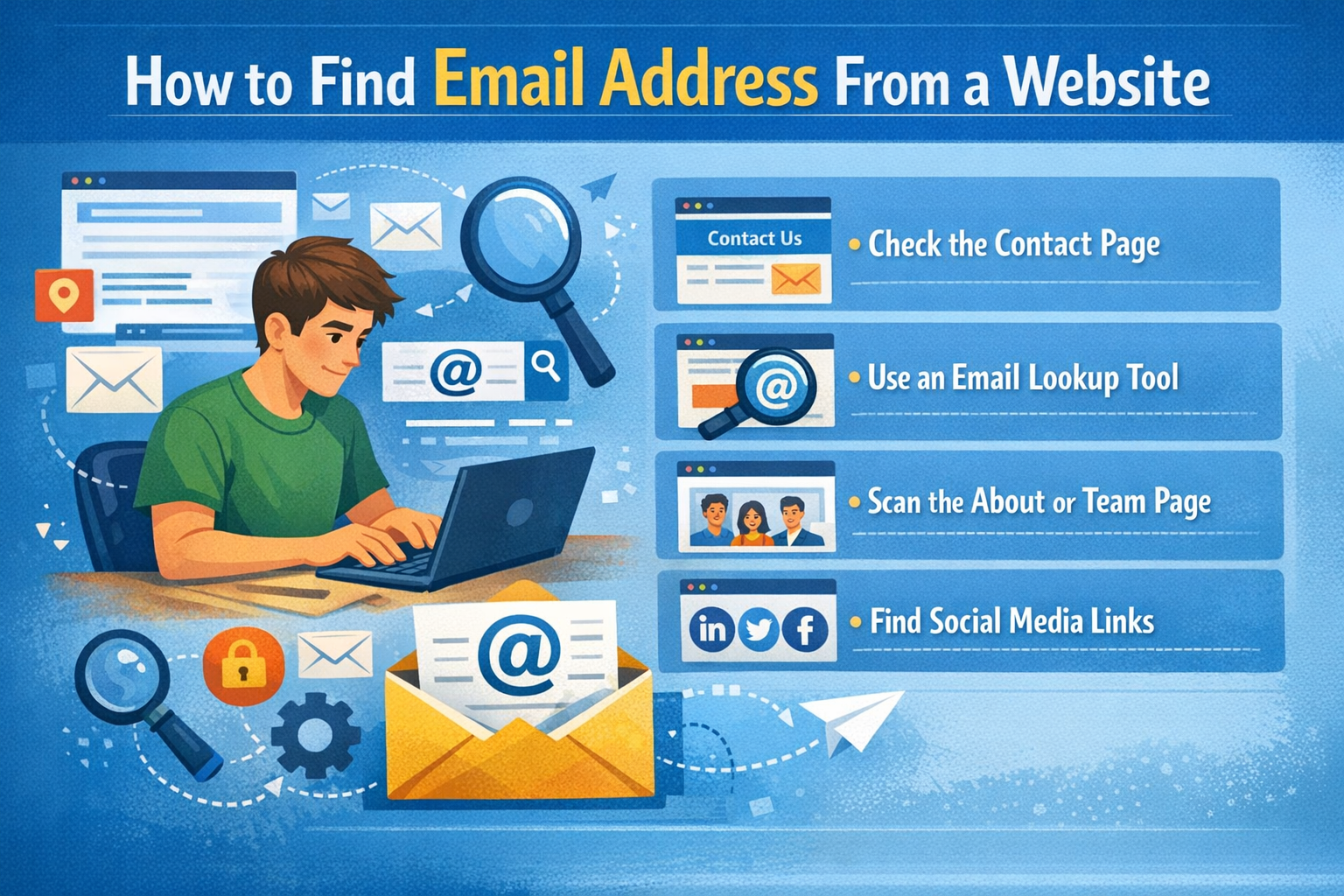
Learning how to find email address from website pages can save a lot of time when you are doing outreach, prospecting, recruitment, partnership research, supplier research, or general business communication. Many companies publish public email addresses on their websites, but those addresses are not always shown in one obvious place.
Sometimes the email is in the footer. Sometimes it is on the contact page. Sometimes it appears on a team page, support page, careers page, press page, or inside a blog author profile. A proper workflow helps you find public business emails faster without opening random pages and guessing where the contact details might be.
Why Finding Emails From Websites Matters
Email is still one of the most common ways to start a professional conversation. If you want to contact a business, pitch a service, ask about partnerships, reach a hiring team, or connect with support, finding the correct public email address is often the first step.
A website email finder process helps you avoid wasting time on the wrong contact channel. Instead of relying only on contact forms or social media pages, you can check whether the business has already published a direct email address for general inquiries, sales, support, media, careers, or partnerships.
Where to Look First
Start with the pages where businesses usually place public contact details. These sections are often easy to check and can give you results quickly.
- Homepage footer: Many websites place contact emails at the bottom of every page.
- Contact page: This is usually the most obvious place for general business emails.
- About page: Companies sometimes include team or company contact details here.
- Team page: Staff profiles may include direct professional emails.
- Support or help page: Useful for customer service, technical help, and account-related contacts.
- Careers page: Hiring-related emails may appear here.
- Press or media page: PR and media contact emails are often published in this section.
Manual Ways to Find Email Address From a Website
Manual searching is useful when you only need one or two emails. You can open the website and inspect the common pages one by one. This gives you control and helps you understand the context around each email address.
- Open the website homepage and check the footer.
- Visit the contact page and look for general email addresses.
- Check about, team, support, careers, and press pages.
- Search the page text using Ctrl + F or Command + F and type “@”.
- Look for common words like contact, support, sales, careers, media, or hello.
- Copy only the email addresses that are relevant to your purpose.
This method works, but it can become slow if you need to check many websites. That is where an email extractor can make the process faster.
Use an Email Extraction Tool
A faster option is using an Email Extractor by Domain. This tool scans public website content and collects visible email addresses in one place. It is helpful when manual searching takes too long or when you are checking multiple domains.
An email extractor does not access private inboxes or hidden databases. It only helps collect email addresses that are publicly visible on website pages. That makes it useful for responsible research, outreach preparation, and business contact discovery.
Common Types of Website Emails You May Find
Different websites publish different types of email addresses. Understanding the purpose of each address helps you choose the right one for your message.
- info@domain.com: General business inquiries.
- contact@domain.com: Main contact inbox.
- support@domain.com: Customer help and technical support.
- sales@domain.com: Sales questions, quotes, and product inquiries.
- hello@domain.com: Friendly general contact inbox used by startups and agencies.
- careers@domain.com: Hiring and job-related communication.
- press@domain.com: Media, PR, and publication requests.
- billing@domain.com: Payment, invoice, or account-related questions.
How to Choose the Right Email Address
Finding several email addresses from one website is common. The next step is choosing the best one. If you are asking for customer help, support@ may be best. If you are pitching a service, contact@ or partnerships@ may be more relevant. If you are applying for a job or asking about hiring, careers@ is usually more suitable.
Sending to the right inbox improves your chance of getting a useful response. It also makes your outreach look more professional because your message matches the purpose of the email address.
Website Email Finder vs Domain Email Finder
A website email finder or extractor looks for email addresses that are already visible on public pages. A domain email finder usually generates common business inbox patterns such as info@domain.com, sales@domain.com, support@domain.com, or contact@domain.com.
Both methods are useful. If you want emails that are publicly shown on the site, use an extractor. If you want common company inbox guesses, use a domain email finder. If you know a person’s name and company domain, use an email permutator to generate possible professional email formats.
Why Email Validation Matters
Not every extracted email is useful. Some addresses may be old, inactive, misspelled, role-based, or not suitable for your goal. That is why email validation matters after extraction.
Validating your email list helps remove invalid or low-quality contacts before you send messages. It can reduce wasted outreach and support better deliverability preparation. A clean list is usually more valuable than a large list full of weak or irrelevant contacts.
How to Validate Emails After Finding Them
Once you collect email addresses from a website, organize them before using them. Remove duplicates, review relevance, and then run them through a validation tool.
- Copy the emails into a clean list or CSV file.
- Remove duplicates and obvious irrelevant addresses.
- Use the Email Validation & List Cleaner to check the list.
- Separate valid and invalid entries.
- Use only the most relevant contacts for your purpose.
How to Use Found Emails Responsibly
Public email addresses should still be used responsibly. Finding an email address does not mean you should send irrelevant bulk messages. Your outreach should be clear, honest, useful, and related to the recipient’s business or published contact purpose.
- Use public emails only for relevant communication.
- Avoid sending spam or unrelated mass messages.
- Write a clear subject line and honest message.
- Respect opt-out requests and communication laws.
- Do not scrape or use data in harmful ways.
Benefits of Using an Email Extractor
An email extractor can save time when you are researching many websites. Instead of manually checking every page, you can collect visible public emails faster and then review them in one place.
- Faster public email discovery
- Less manual searching across multiple pages
- Better organization for outreach research
- Useful for lead generation, recruiting, and business development
- Strong first step before validation and list cleaning
When Manual Search Is Better
Manual search can still be better when you need careful context. For example, if you want to contact a specific department, a public relations person, or a hiring manager, reading the page manually can help you choose the most relevant address.
The best workflow often combines both methods. Use an extractor to save time, then manually review the results to choose the best email for your goal.
Common Mistakes to Avoid
Many people find emails quickly but forget to clean or review them. This can reduce the quality of outreach and create unnecessary sending problems.
- Do not send to every email found without checking relevance.
- Do not assume every public email is active.
- Do not skip validation before outreach.
- Do not use misleading subject lines or spam-style wording.
- Do not ignore the purpose of the email address.
- Do not rely only on quantity instead of quality.
Best Workflow to Find Business Emails
The strongest workflow is simple: discover, review, validate, and send responsibly. This gives you better data and a cleaner outreach process.
- Use manual search or the Email Extractor by Domain to find public emails.
- Review the results and choose the addresses that match your goal.
- Use the Email Validation & List Cleaner to clean the list.
- Check your message wording with the Spam Email Checker.
- Send a relevant, clear, and respectful email.
Final Thoughts
Knowing how to find email address from website pages is useful for outreach, prospecting, recruitment, partnership research, and business communication. Start with common pages like contact, footer, about, team, support, careers, and press sections. If manual searching takes too long, use an email extractor to collect public emails faster.
The best approach is not just finding emails. The best approach is finding public emails, reviewing them carefully, validating the list, and using the right contact for the right purpose. This gives you a cleaner and more professional workflow.